


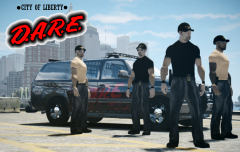
LC D.A.R.E
Album created by
Sheriff Van Dyck ·
Updated
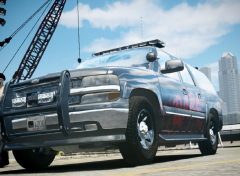
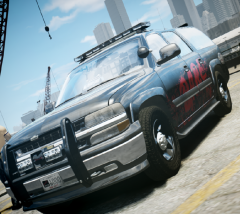
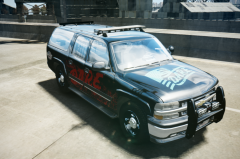
Liberty City's Governor has decided to bring the D.A.R.E team due to increment of drug deals and drug addicts in streets and schools around the city. In the second day, they have arrested ten drug criminals and two of the most important and dangerous mafia leaders. Good job DARE!
11 images
-
-
By Sheriff Van Dyck · 4 comments
-
By Sheriff Van Dyck · 11 comments
-
-
By Sheriff Van Dyck · 4 comments
-
-
-
-
-
By Sheriff Van Dyck · 2 comments
-





Recently Browsing 0
- No registered users viewing this page.
0 Album Comments
There are no comments to display.
Join the conversation
You can post now and register later. If you have an account, sign in now to post with your account.