Skip to content
View in the app

A better way to browse. Learn more.

LCPDFR.com

A full-screen app on your home screen with push notifications, badges and more.

To install this app on iOS and iPadOS
  1. Tap the Share icon in Safari
  2. Scroll the menu and tap Add to Home Screen.
  3. Tap Add in the top-right corner.
To install this app on Android
  1. Tap the 3-dot menu (⋮) in the top-right corner of the browser.
  2. Tap Add to Home screen or Install app.
  3. Confirm by tapping Install.
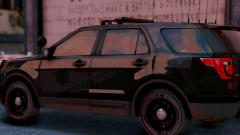
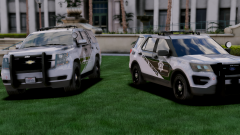
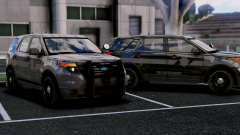
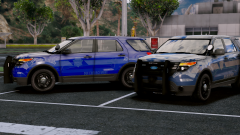
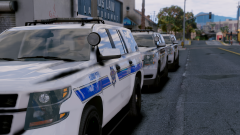
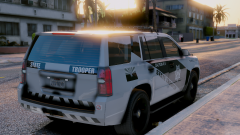
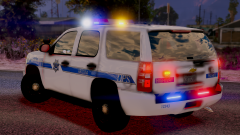
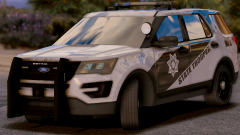
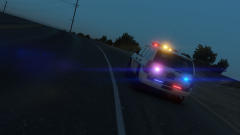
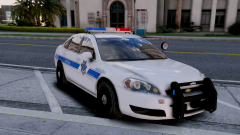
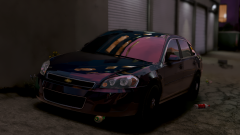
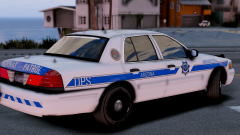
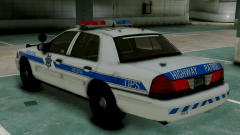
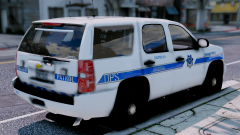
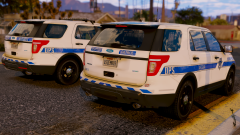
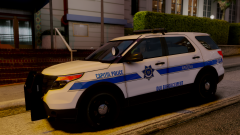
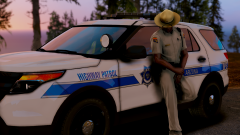
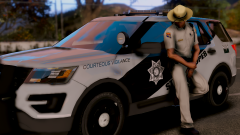
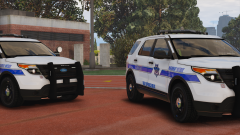
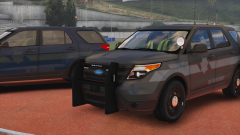
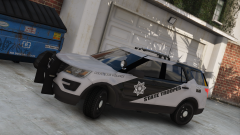
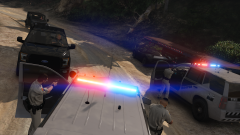
Project Arizona DPS Vehicles (WIP)

Project Arizona DPS Vehicles (WIP)

Album created by PristineAccuracy · Updated

Official Discord: https://discord.gg/tJqy7Vg

Titan44x

Members

Is this going to actually release!?!? I need to rep my state!

trooper9122

Members

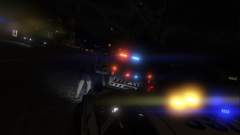
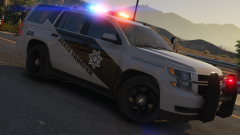
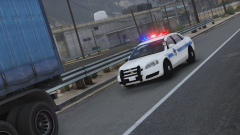
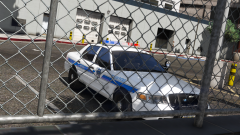
I've been checking in everyday religiously waiting to see if this pack has been released. The vehicles from the screenshots look amazing, and as being a Phoenix native, they are definitely accurate. I love how the 2013 Tahoe has the rear light strip above the bumper, attention to the details! Looking forward to the release.

Titan44x

Members

Are the Valor lightbars (assuming they use ELS) following the same pattern DPS really uses with the sort of outward flowing pattern?

Join the conversation

You can post now and register later. If you have an account, sign in now to post with your account.

Guest
Add a comment...

Recently Browsing 0

  • No registered users viewing this page.

Account

Navigation

Search

Search

Configure browser push notifications

Chrome (Android)
  1. Tap the lock icon next to the address bar.
  2. Tap Permissions → Notifications.
  3. Adjust your preference.
Chrome (Desktop)
  1. Click the padlock icon in the address bar.
  2. Select Site settings.
  3. Find Notifications and adjust your preference.