


Screens
Album created by
Sniper296 ·
Updated
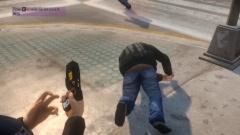
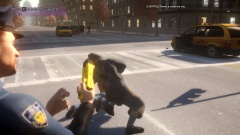
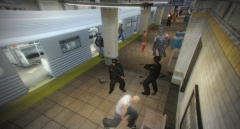
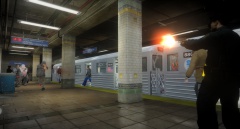
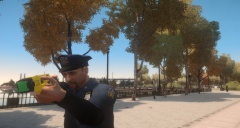
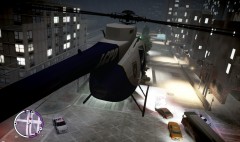
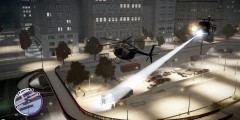
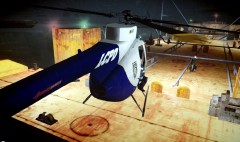
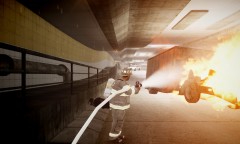
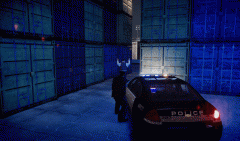
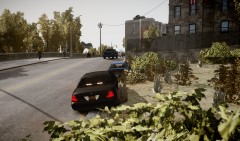
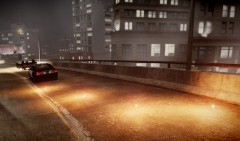
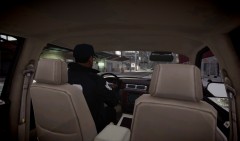
Screenshots from my desktop
Specs:
Intel Core i7-2600k @ 3.40GHz
Corsair 8GB Dual Channel DDR3 @ 1866MHz
EVGA GeForce GTX 680 @ 1006 MHz 2048MB
Acer X193W 1440x900 @ 75Hz
Game settings:
All highest
ENB:
Modified L3EVO (2012 NY) v1.2 NVidia
Specs:
Intel Core i7-2600k @ 3.40GHz
Corsair 8GB Dual Channel DDR3 @ 1866MHz
EVGA GeForce GTX 680 @ 1006 MHz 2048MB
Acer X193W 1440x900 @ 75Hz
Game settings:
All highest
ENB:
Modified L3EVO (2012 NY) v1.2 NVidia
28 images
-
By Sniper296 · 2 comments
-
By Sniper296
-
By Sniper296
-
By Sniper296 · 3 comments
-
By Sniper296 · 1 comment
-
By Sniper296
-
By Sniper296 · 1 comment
-
By Sniper296 · 1 comment
-
By Sniper296
-
By Sniper296
-
By Sniper296 · 1 comment
-
By Sniper296
-
By Sniper296
-
By Sniper296
-
By Sniper296 · 1 comment
-
By Sniper296 · 2 comments
-
By Sniper296 · 9 comments
-
By Sniper296 · 2 comments
-
By Sniper296 · 2 comments
-
By Sniper296 · 1 comment
-
By Sniper296 · 1 comment
-
By Sniper296 · 4 comments
-
By Sniper296 · 3 comments
-
By Sniper296 · 2 comments
-
By Sniper296
-
By Sniper296 · 7 comments
-
By Sniper296 · 7 comments
-
By Sniper296 · 3 comments















Recently Browsing 0
- No registered users viewing this page.
0 Album Comments
There are no comments to display.
Join the conversation
You can post now and register later. If you have an account, sign in now to post with your account.