


![[WIP] Emergency Enhanced Peds](http://s3-gallery.int-cdn.lcpdfrusercontent.com/monthly_2017_03/large.58bcd45b2ff33_WIPEnhancedLSPDCopV4P1.jpg.df48fdd96c246c8413e58d434f5f65bc.jpg)
[WIP] Emergency Enhanced Peds
Album created by
rukrim ·
Updated
Working with the help of @Baud0412 for a bigger update on many agencies.
I will upload LSPD version as V4. After doing so, i will work on a hole pack [ EEP ].
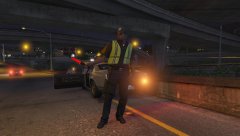
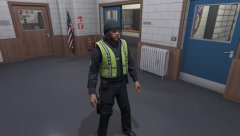
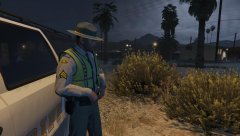
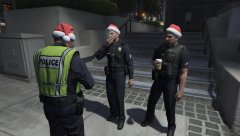
EEP will feature LSPD, LSSD and LSHP for now. I will start with male peds and will continue with females as we never got the chance to see enhanced female peds.
Be advised: i still need to rework most of the textures shown in the gallery, so expect more changes soon.
As i will not be at home during the period of december 22-25 i will probably release it december 26-27. (LSPD Cop V4).
Merry Christmas for ya all!! 

9 images



Recently Browsing 0
- No registered users viewing this page.
0 Album Comments
There are no comments to display.
Join the conversation
You can post now and register later. If you have an account, sign in now to post with your account.