


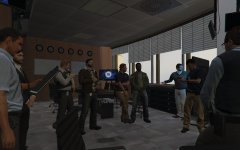
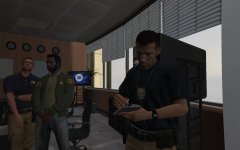
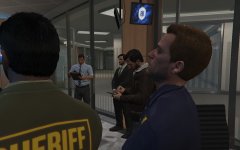
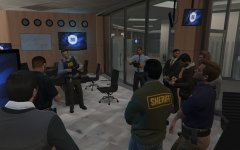
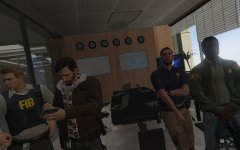
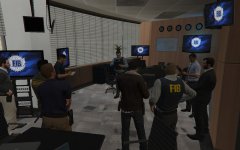
Task Force Meeting
BLIND BUTCHER'S CASE
The killer only kills cops, his first victim was a Vice City detective 2012 in Vice City. We believe he moved to San Andreas.
Killer's MO
Kills his victims by breaking their neck or by stabbing heart /slicing their throats. He removes their eyeballs and cut their right hand or left depending if his victim his left or right handed, after death (Post-moterm)
List of victims in San Andreas:
- Hannah Spacey (LSPD)
- Jimmy Grimes (LSSD)
- Henry Kirkman (LSSD)
- Dave Kirkman (LSSD)
MISSING PERSON
@Kyle_McGinty is reported missing and was the lead investigator on the case on behalf of the @LSSD_GTAV
@Deputykirkman is reported missing
TASK FORCE
Conor Mitchell - FIB Special in charge
Steven Haines - Supervisor
Andreas Sanchez - FIB Lead Investigator
David Pesko - FIB Special agent
Harry Thomson - LSPD Captain
James Ronson - LSPD Lead Investigator
Steven Mitchell - SAHP Investigator
Rosco - LSSD Sherrif
Alex Ashfold - LSSD Lead Investigator
8 images
-
By Alex_Ashfold
-
By Alex_Ashfold
-
By Alex_Ashfold
-
By Alex_Ashfold
-
By Alex_Ashfold
-
By Alex_Ashfold · 1 comment
-
By Alex_Ashfold
-
By Alex_Ashfold


Recently Browsing 0
- No registered users viewing this page.
1 Album Comment
Join the conversation
You can post now and register later. If you have an account, sign in now to post with your account.