


Murphy's ENB
Album created by
Murphy ·
Updated
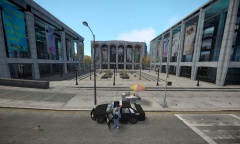
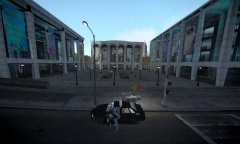
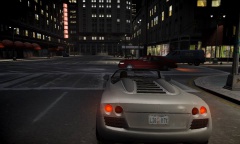
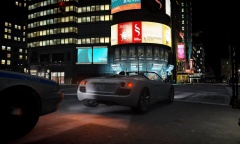
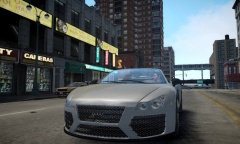
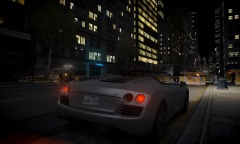
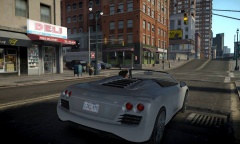
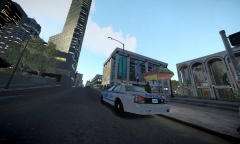
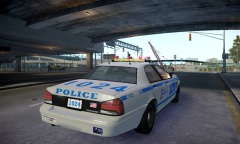
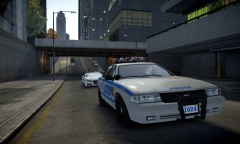
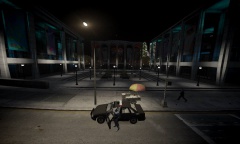
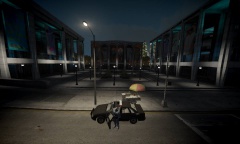
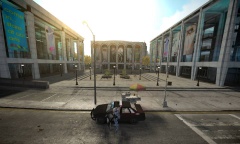
This album contains screenshots of Murphy's custom configuration and visualSettings.dat for Fabriciuz's CryENB V1 mod.
Edits to CryENB by Murphy include:
- Brighter night time
- Less bright day time
- Reduced sun flare on screen
- Less-saturated colors
- Mid-End optimization
- GTA V style brake-light corona lighting
Edits to CryENB by Murphy include:
- Brighter night time
- Less bright day time
- Reduced sun flare on screen
- Less-saturated colors
- Mid-End optimization
- GTA V style brake-light corona lighting
13 images
Recently Browsing 0
- No registered users viewing this page.
0 Album Comments
There are no comments to display.
Join the conversation
You can post now and register later. If you have an account, sign in now to post with your account.