


ENB's REC10H ft. AniHilatOR
Album created by
AniHIlatOR ·
Updated
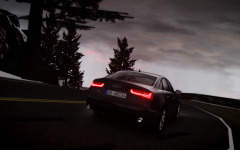
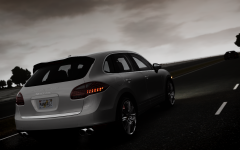
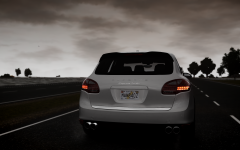
Most of screenshots are from my ENB on version 1.0.0.4
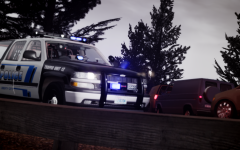
But now I'm starting posting screenshots from LCPDFR 1.0/ELSv7 friendly ENB mixed N-Rage and game4video.
Not so preety as previous patch ENB but police lightbar looks amazing.
But now I'm starting posting screenshots from LCPDFR 1.0/ELSv7 friendly ENB mixed N-Rage and game4video.
Not so preety as previous patch ENB but police lightbar looks amazing.
Recently Browsing 0
- No registered users viewing this page.
0 Album Comments
There are no comments to display.
Join the conversation
You can post now and register later. If you have an account, sign in now to post with your account.