


Images - Laptop
Album created by
Sniper296 ·
Updated
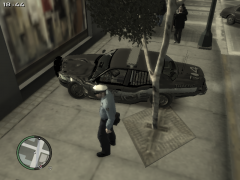
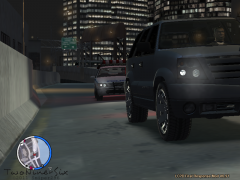
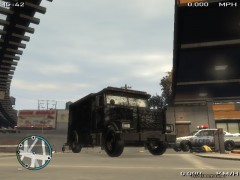
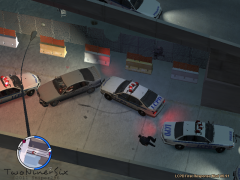
Screenshots from my laptop(not built for gaming)
Specs:
HP G70-213em
Intel Core 2 Duo P7450 @ 2.13GHz
Samsung 3GB Dual Channel DDR2 @ 333MHz
Nvidia GeForce 9200M GE @ 529MHz 256MB
Game settings:
EVERYTHING on lowest, even some NVCP stuff lowered!
Specs:
HP G70-213em
Intel Core 2 Duo P7450 @ 2.13GHz
Samsung 3GB Dual Channel DDR2 @ 333MHz
Nvidia GeForce 9200M GE @ 529MHz 256MB
Game settings:
EVERYTHING on lowest, even some NVCP stuff lowered!
22 images
-
By Sniper296 · 6 comments
-
By Sniper296 · 4 comments
-
By Sniper296 · 4 comments
-
By Sniper296 · 3 comments
-
By Sniper296 · 3 comments
-
By Sniper296 · 3 comments
-
By Sniper296 · 3 comments
-
By Sniper296 · 2 comments
-
By Sniper296 · 2 comments
-
By Sniper296 · 2 comments
-
By Sniper296 · 2 comments
-
By Sniper296 · 2 comments
-
By Sniper296 · 1 comment
-
By Sniper296
-
By Sniper296
-
By Sniper296
-
By Sniper296
-
By Sniper296
-
By Sniper296
-
By Sniper296
-
By Sniper296
-
By Sniper296


















Recently Browsing 0
- No registered users viewing this page.
0 Album Comments
There are no comments to display.
Join the conversation
You can post now and register later. If you have an account, sign in now to post with your account.