


Mustu's Ultra Freedom Charger
Album created by
Mustu ·
Updated
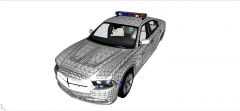
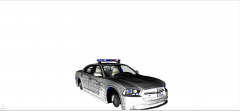
Hopefully, this charger should be released tomorrow. I've been working on this for some days now, just getting together all my ideas and perfecting it. For the first time ever on any of my models (or the models I've made skins for), this model boasts two antennas for adding realism, it also has a police computer for searching citizens against the LCSO database and features bright headlight wig-wags, or headlight flashers, as well as rear taillight wig-wags, or taillight flashers. The model features the agile Charger rims, and a state-of-the-art prisoner cage, with room for a shotgun.
2 images
Recently Browsing 0
- No registered users viewing this page.
0 Album Comments
There are no comments to display.
Join the conversation
You can post now and register later. If you have an account, sign in now to post with your account.