


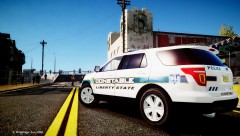
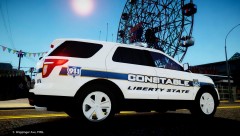
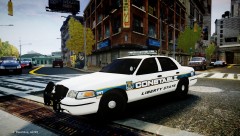
LSC0 (Liberty State constable Office)
Album created by Deactivated Member ·
Updated
this is a pack i am working on soon to be releced, each car will be ELS-H enabled
and with the Blue and Red pattern.
ceep yourself updated with this and look out for updates.
and with the Blue and Red pattern.
ceep yourself updated with this and look out for updates.
4 images
-
By
Deactivated Member· 1 comment -
By
Deactivated Member· 5 comments -
By
Deactivated Member· 5 comments -
By
Deactivated Member

Recently Browsing 0
- No registered users viewing this page.
0 Album Comments
There are no comments to display.
Join the conversation
You can post now and register later. If you have an account, sign in now to post with your account.