


Bay Side Virtual Emergency Services
Album created by
Empire ·
Updated
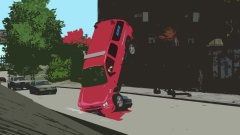
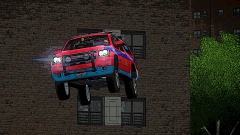
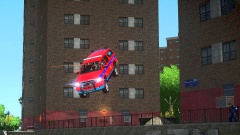
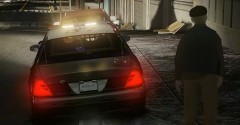
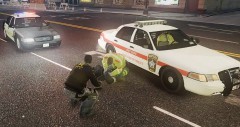
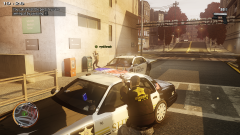
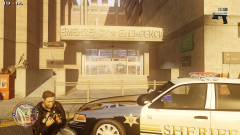
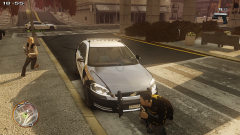
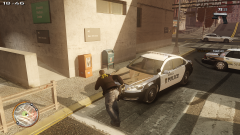
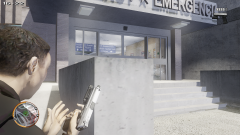
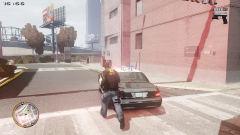
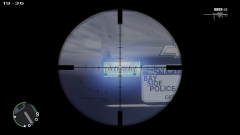
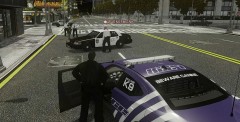
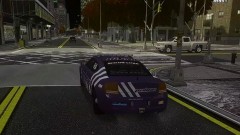
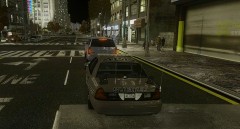
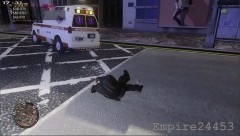
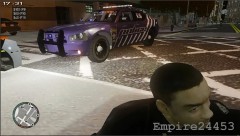
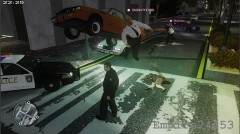
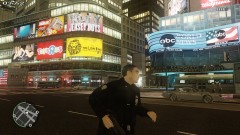
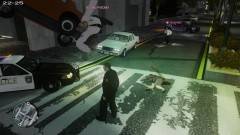
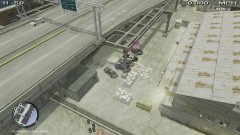
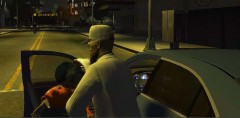
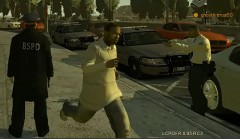
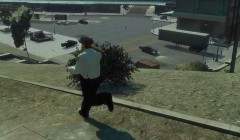
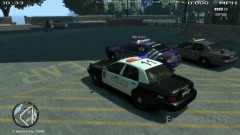
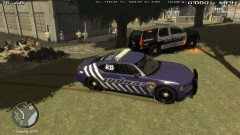
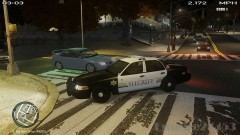
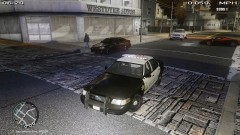
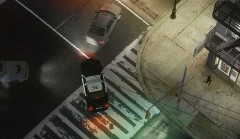
Bay Side is a new community that is based off of the actual First Responders from the state of Wisconsin in the United States. We are a professional and serious community that roleplays to the fullest extent of realism. This is where I'll be uploading images and shots from the role-plays' that we do.
50 images
-
By Empire
-
By Empire
-
By Empire
-
By Empire
-
By Empire
-
By Empire
-
By Empire
-
By Empire · 4 comments
-
By Empire · 1 comment
-
By Empire
-
By Empire
-
By Empire
-
By Empire
-
By Empire
-
By Empire
-
By Empire
-
By Empire
-
By Empire
-
By Empire
-
By Empire
-
By Empire
-
By Empire
-
By Empire
-
By Empire
-
By Empire
-
By Empire
-
By Empire · 1 comment
-
By Empire
-
By Empire
-
By Empire
-
By Empire
-
By Empire
-
By Empire · 3 comments
-
By Empire
-
By Empire
-
By Empire
-
By Empire
-
By Empire
-
By Empire
-
By Empire
-
By Empire · 2 comments
-
By Empire
-
By Empire
-
By Empire
-
By Empire
-
By Empire
-
By Empire
-
By Empire · 1 comment
-
By Empire
-
By Empire · 1 comment








Recently Browsing 0
- No registered users viewing this page.
0 Album Comments
There are no comments to display.
Join the conversation
You can post now and register later. If you have an account, sign in now to post with your account.