


Celní správa - Dopravní kontrolní akce
Album created by
Fryers ·
Updated
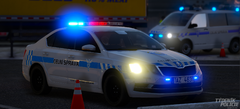
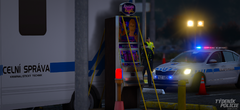
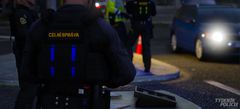
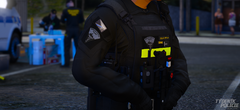
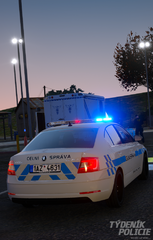
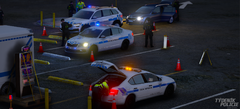
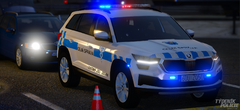
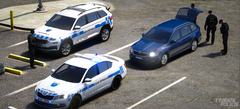
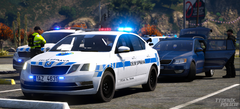
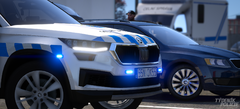
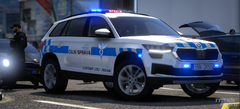
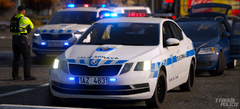
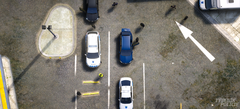
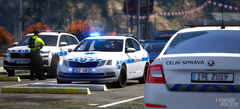
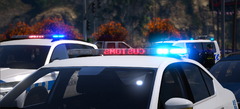
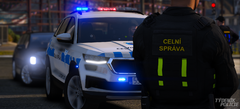
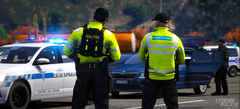
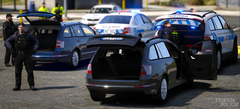
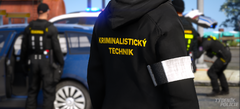
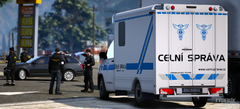
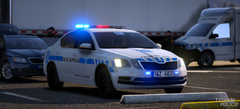
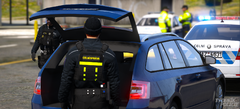
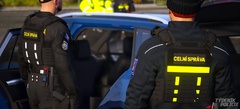
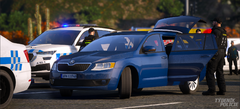
Celní správa České republiky, hlídky odboru 06. mobilního dohledu (62) a zpoplatněných komunikací (61), kriminalistický technici z odboru 03 na místě kontrolní akce.
Customs Administration of the Czech Republic, patrols from Division 06. Mobile Surveillance (62) and Toll Unit (61), forensic technicians from Division 03 at the road inspection site.
37 images
-
By Fryers
-
By Fryers
-
By Fryers
-
By Fryers
-
By Fryers
-
By Fryers
-
By Fryers
-
By Fryers
-
By Fryers
-
By Fryers
-
By Fryers
-
By Fryers
-
By Fryers
-
By Fryers
-
By Fryers
-
By Fryers
-
By Fryers
-
By Fryers
-
By Fryers
-
By Fryers
-
By Fryers
-
By Fryers
-
By Fryers
-
By Fryers
-
By Fryers
-
By Fryers
-
By Fryers
-
By Fryers
-
By Fryers
-
By Fryers
-
By Fryers
-
By Fryers
-
By Fryers
-
By Fryers
-
By Fryers
-
By Fryers
-
By Fryers


Recently Browsing 0
- No registered users viewing this page.
0 Album Comments
There are no comments to display.
Join the conversation
You can post now and register later. If you have an account, sign in now to post with your account.