Furmanater32
Members
-
Joined
-
Last visited
Everything posted by Furmanater32
-
-
-
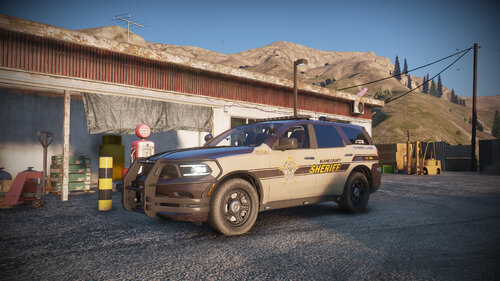 How were you able to apply the livery to the officeark’s charger
 -
 Amazing pack love the LSPD pack too wondering if you could help me out , I found a skin and applied it to the 18 charger using the add on pack and for some reason it’s showing the old skin even tho I replaced it. I have seen you talking about the car variation files involving the color But I don’t know if you have been asked this but any ideas ?
- 478 comments
- 18 reviews