



GTA 5 Jedi Master
Members
-
Joined
-
Last visited
Everything posted by GTA 5 Jedi Master
-
 Bad ass! Thanks for releasing these!
 -
 Very cool! Thank you!
 -
 Damn bro, you're always putting in work! This is 🔥!
 -
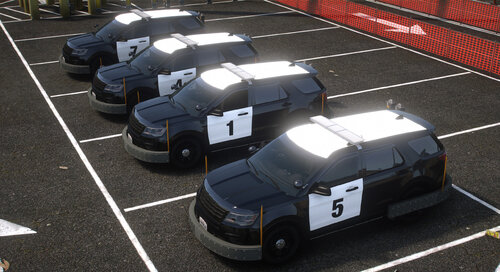 Very nice as usual!
 -
-
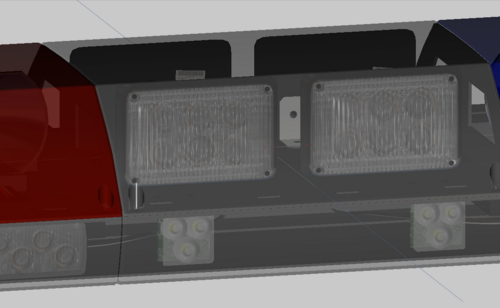 Damn, an oldie but definitely a goodie!
 -
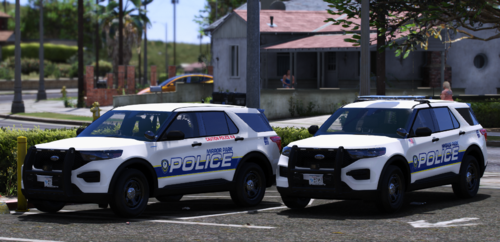 These are great!
 -
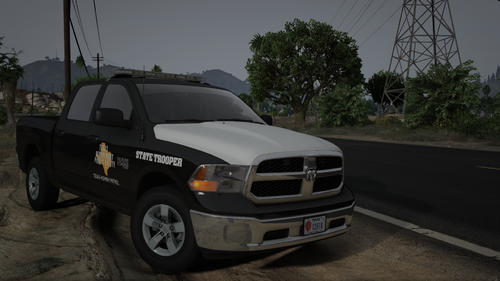 Another beautiful piece! Great work as usual!
 -
-
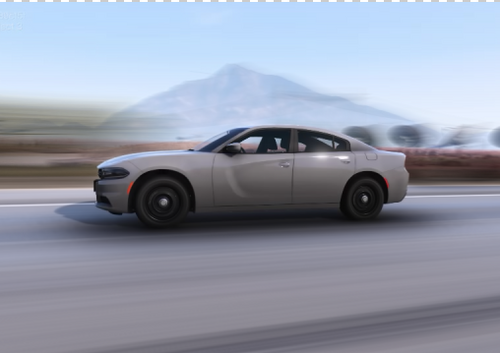 Simple and clean! Very Nice!
 -
 This cat has several differen't DLS V2 packs put together like this one for Nachos' pack. I can't tell you anything more than that though. https://www.gta5-mods.com/misc/dls-v2-official-configs-for-nacho-s-sahp-pack here's another: https://www.gta5-mods.com/misc/dls-configs-for-11john11-s-lspd-2020-scouts
- 274 comments
- 20 reviews
-
For ELS In Zmod3 you can highlight/select the emis for the takedowns then move your arrow to near the center of the driver's seat headrest, press X to place the purple X "pivot Helper", verify with LEFT or RIGHT View it's where you want it, then right-click, scroll to AXES, then click RESET TO PIVOT HELPER. Done.
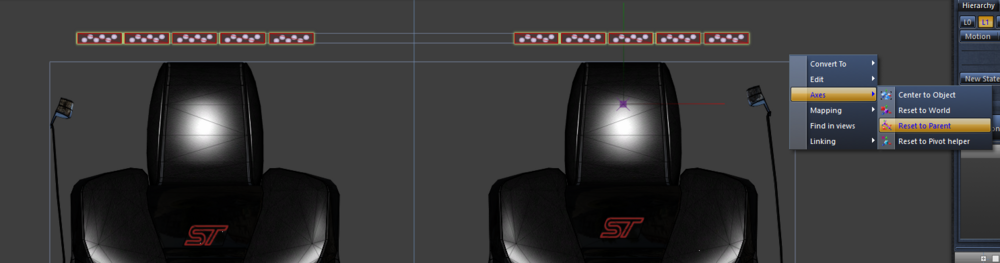
-
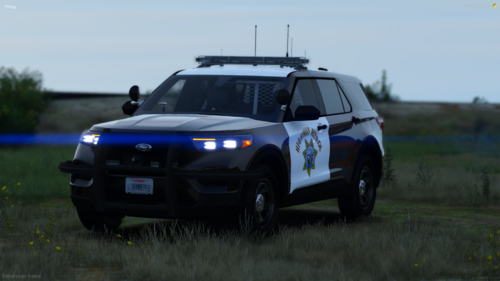 Damn man, I give you ultra props for the way you've mapped assets in your models. I absolutely recognize the level of dedication and attention that shit takes. Good Job!
- 60 comments
- 10 reviews
-
-

- 1
-
-
 Damn dude, you're puttin' in work! Looks excellent!
 -
-
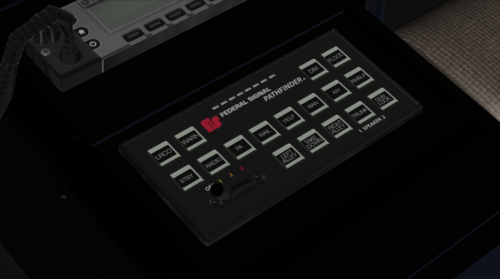 Wow, it's like seeing a ghost! Thank you for this!
 -
 Easy-peasy! Very Nice!
 -
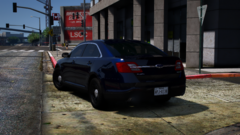 Absolutely beautiful light balance at night! Excellent work, brother!
 -
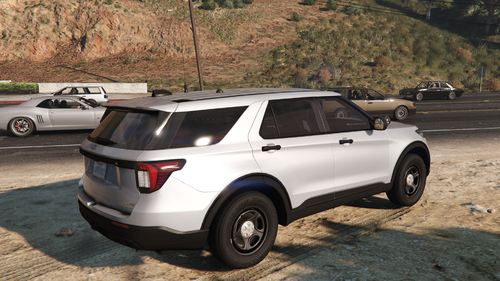 If it's that crushing just edit the Dirt Map texture in the .ytd.
 -
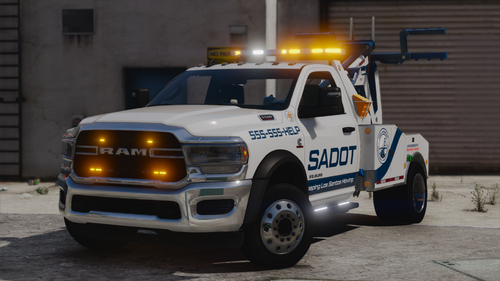 Dang, I had that issue last week. I just know I check everyday for your goodies! Love it all man!
 -
Damn dude, you're bustin' it out lately! Excellent work as usual!!!!
-
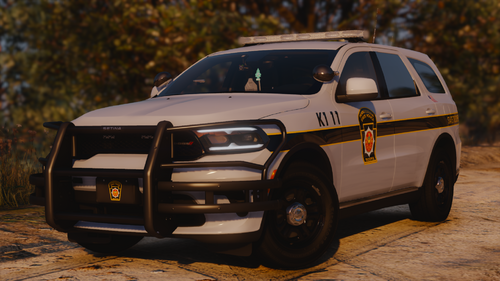 Beautiful work as usual!
 -
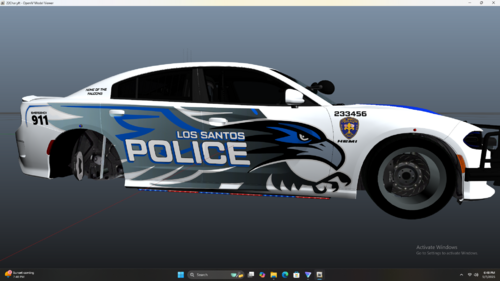 Dude you're killing it! I just saw the others and they are top notch! EXCELLENT WORK!
 -
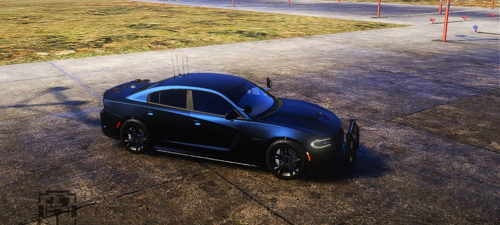 The ability to stop other vehicles is controlled by the vehicles "Flags" in the vehicles meta file. Here is what the Add on has for flags: <flags>FLAG_USE_INTERIOR_RED_LIGHT FLAG_LAW_ENFORCEMENT FLAG_EMERGENCY_SERVICE FLAG_NO_RESPRAY FLAG_DONT_SPAWN_IN_CARGEN FLAG_REPORT_CRIME_IF_STANDING_ON FLAG_HAS_LIVERY</flags> Make sure you have a plugin like: Here are some files that will help explain batter also. - Carvariations - EXPLAINED -.xml -- Vehicle Meta DEFINITIONS.txt
 -
Geez, sorry man. I have no idea.




