
GTA 5 Jedi Master
Members
-
Joined
-
Last visited
Everything posted by GTA 5 Jedi Master
-
-
I know its forever too late but a Meta file is bad if this happens.
-
-
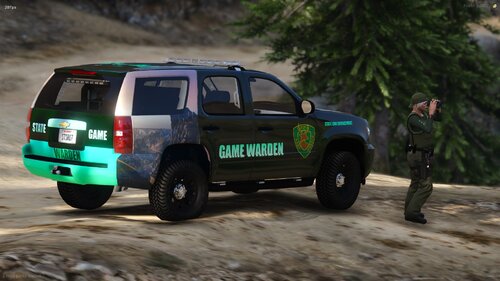 Different, man. Looks great!
 -
-
Textures imported into the .YTD need to be in .png format. A lot times it wont indicate that it didn't transfer it just wont go in. Try opening a livery with a program such as Paint.net then save it as a .png extension. Then it will import. Other files need to be in a .xml format to be reimported back into OpenIV. Hope that helps some!
-
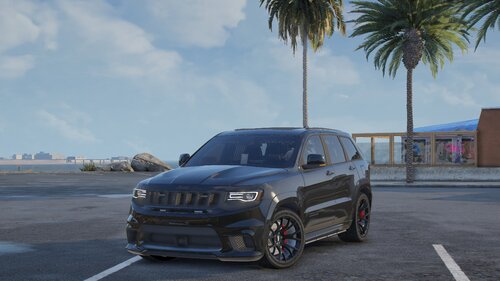 Bad ass as usual!!!! I've got a wonderful livery just waiting for this ride........alas, for another day. 🤪
 -
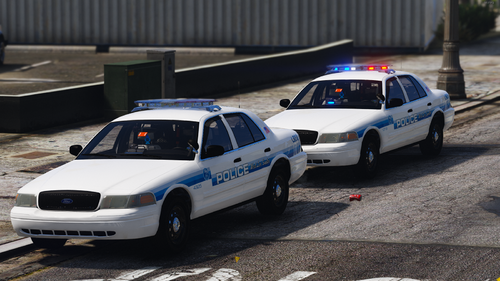 Ha, who the-F cares, bro! Just enjoy the free models and carry on.
 -
-
F-ing love it, dude! Epic release of prime vehicles!!!!!!!!!!!!!!!!!!
-
.thumb.png.52184f6024d0144e57bfcdb18ab803f6.png) Looks good. More of a security or specialty ride with no radar, computer or radio than a law enforcement vehicle. Its also always nice to have a window tint templated file rather than an all in one glass texture file. Gresley is the handling line for that model from the DEV if anyone was wondering. Just feedback, brother. Nice work overall! Looking forward to more from you!
Looks good. More of a security or specialty ride with no radar, computer or radio than a law enforcement vehicle. Its also always nice to have a window tint templated file rather than an all in one glass texture file. Gresley is the handling line for that model from the DEV if anyone was wondering. Just feedback, brother. Nice work overall! Looking forward to more from you! -
 Love it, brother!
 -
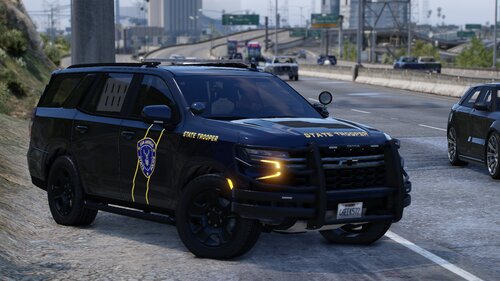 Bad ass ride!!!!
 -
 Bad Ass!
 -
-
 Good shit, brother!
 -
 Nice work man!!
 -
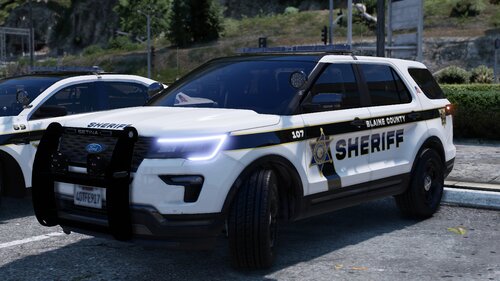 Beautiful! I definitely dig the interior setup in the Explorer as far as the Cencom controller. Unique and cool as hell. Great work as usual, man! I look forward to your uploads anytime I open my computer.
 -
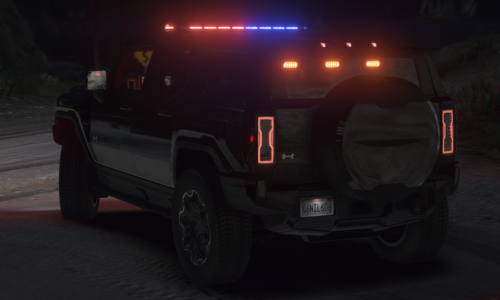 Would LOVE a template!
 -
-
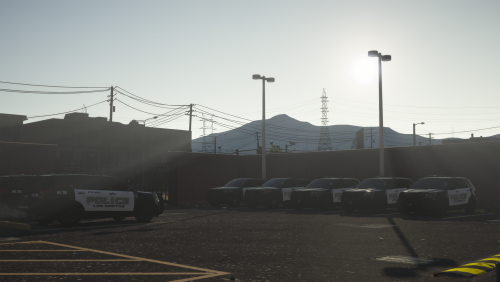 Just an FYI, the FPIS is actually a 2018. Figured it out when looking for a template. Great Pack!
- 25 comments
- 7 reviews
-
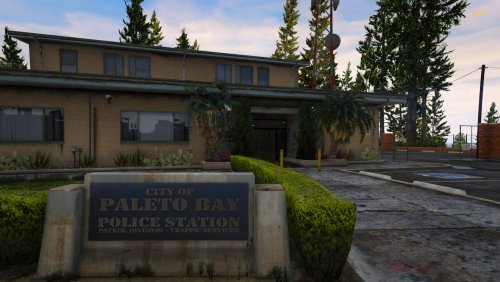 I replaced the files in the MODS folder in x64q only with: country_01, cs1_16. That Replaced everything but the damn door logo. I found the texture but it doesn't change the actual door. It may be in the .ydr file for the building though. All of the other added files in the download are unnecessary for the Paleto PD Building.
 -
YES!!!!!!!
-
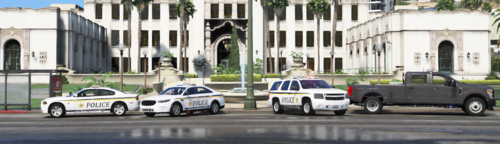 EXCELLENT! Great addition to my FBI Police. Thank you!
 -
Totally agree with you! I have no way of knowing your age group but entitlement such as what you are referring to is sooooooo generational. I'm not bashing anyone but I am old enough to say how things used to be versus how they are currently. It's ridiculous. Please keep up the amazing work you do for the community because so many of us appreciate your contributions more than you can know.






.thumb.png.52184f6024d0144e57bfcdb18ab803f6.png)