
GTA 5 Jedi Master
Members
-
Joined
-
Last visited
Everything posted by GTA 5 Jedi Master
-
-
 Very nice update!
 -
 Who are you asking? No idea who that is....
 -
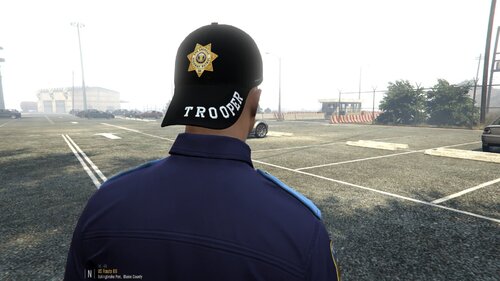 Juicy shizzy! Thank you!
 -
F-ing dig it! Thank you!
-
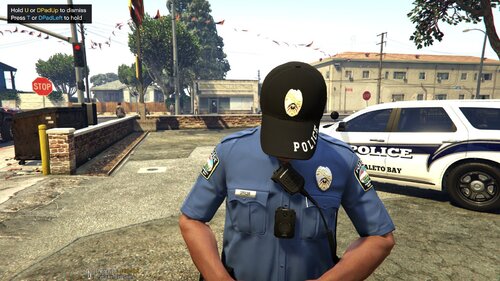 Very nice! I also appreciate the Wardrobe numbers! THANK YOU!
 -
-
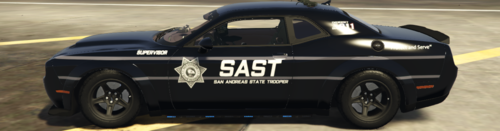 Yeah bro, only thing in the download is a Charger template. It is a photoshop file so there's that....It is a nice Charger template too.
- 6 comments
- 1 review
-
-
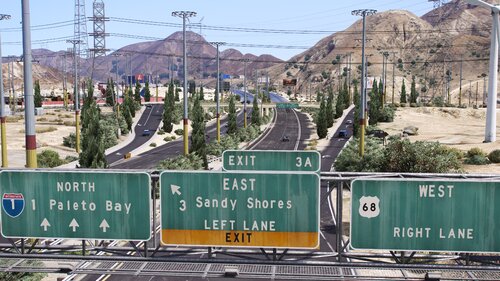 Here's a window tint template for Rabbits bad ass FPIU if interested.
 -
Looks good! You can also convert the XML to Ymap & add to a Custom Maps DLC to avoid Menyoo all together. https://www.gta5-mods.com/tools/mapeditor-2-ymap-converter
-
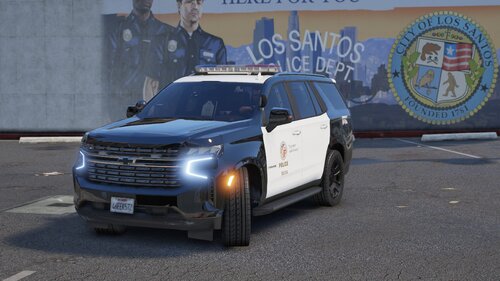 BAM!!!!!!!!!!!! Now that's what I'm talking about! A Huge thank you for this EPIC release!
 -
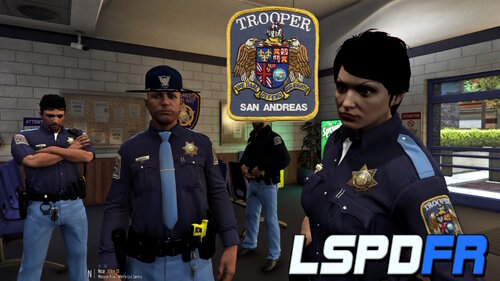 Nice work! Thank you!
 -
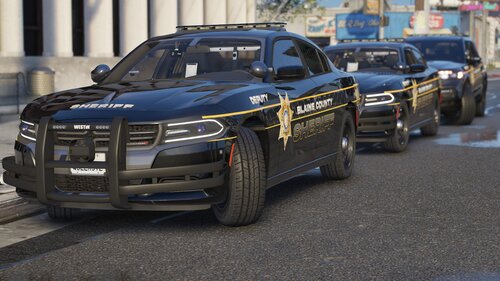 Always delivering that deliciousness! You da MAN!
 -
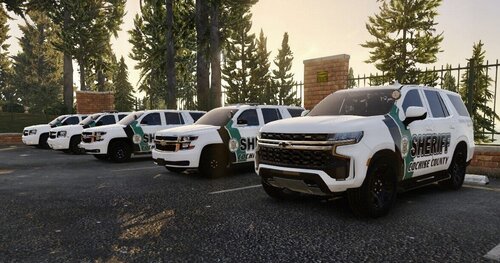 VERY nice skins, brother!
 -
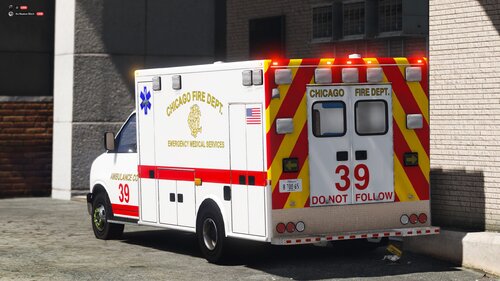
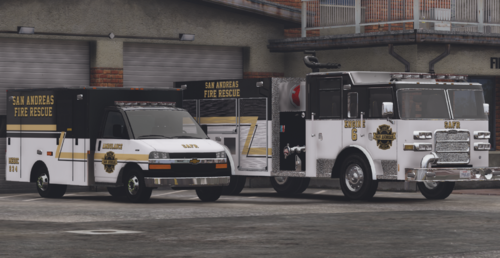 Right on man. I just know looking inside the ambo with OpenIV you could see missing textures. I just added them in OpenIV and all works fine in game. Great work. I dig the old-ish school ambulance too.
 -
Smooth ass vehicles! The AMBO is missing a couple of textures for the rear seats and the stretcher and the Diamond Plate. It looks like any .dds texture that didn't convert in OpenIV from the DEV Models. Well done though!
-
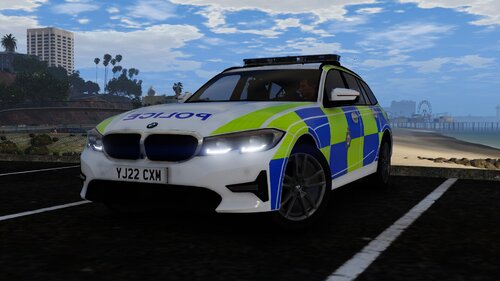 Do you have a template by chance?
 -
 Anytime my brother!
 -
Very nice ride. It is missing the Spitfire texture in the .ytd.
-
 Nice work dude!
 -
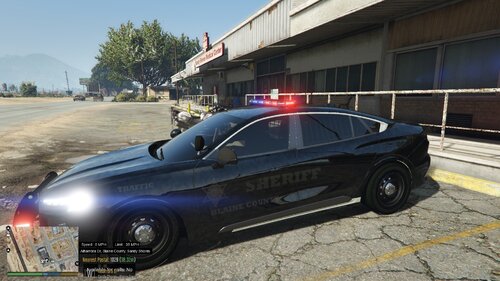 That was quick!
 -
Bro, the folders are empty in the download. Gotta fix and reupload please.
-
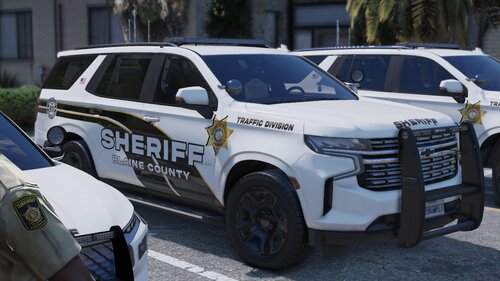 TEMPLATED EVEN!!!!!!!!!!! Dude, you've outdone yourself this time! F-ing EPIC ass release! Thank you, brother!
 -
 It is intended for both modes.