
GTA 5 Jedi Master
Members
-
Joined
-
Last visited
Everything posted by GTA 5 Jedi Master
-
-
 Excellent work! Kinda digging the no-console Charger setup!
 -
 h
h -
 EPIC as usual!!!!!!!! Thank you, brother for releasing this here!
 -
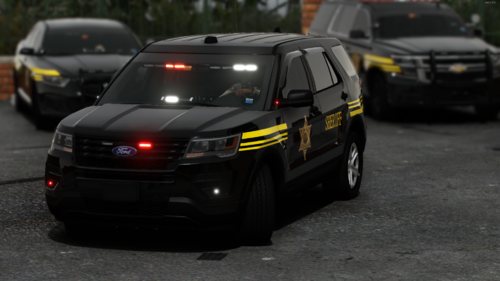 Hehehe, that's cold blooded! 🤣
 -
 I hear that! They look good, man!
 -
Here's the template needed for the 2016 Charger.
-
-
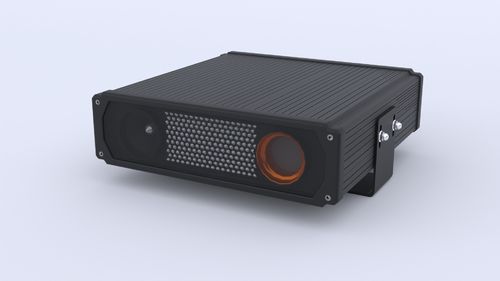 LOVE IT! Thanks for releasing this!
 -
 DUDE!!!!!!!!! That's sexy AF!
 -
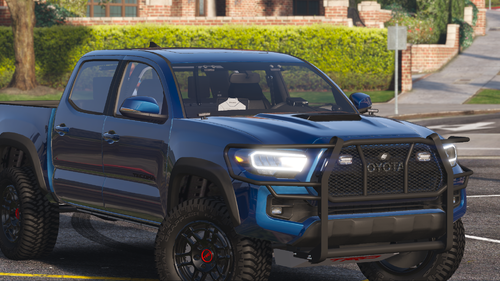 Yet another top notch release!!!! Thank you, brother!
 -
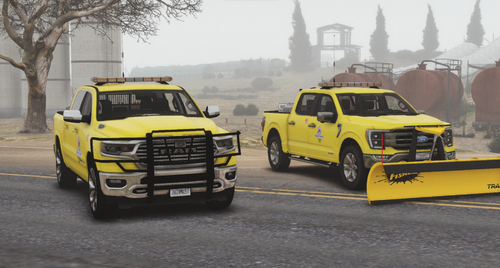 Very nice pack! Great work!
 -
-
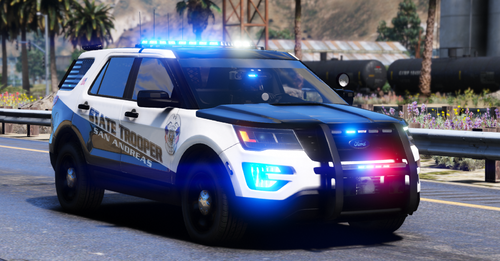 Love it as usual Rabbit! Thank you for releasing this to us!!!
 -
 You sure about that? Mines working......Here's a log showing it running. GTAV.ResourceAdjuster.log
- 104 comments
- 33 reviews
-
-

- 1
-
-
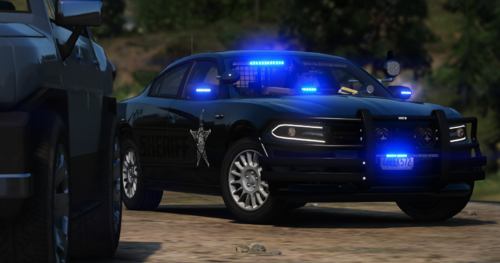 Great car even after all these years! It's missing a few textures from the .ytd though. Anyone interested drop these in:
 -
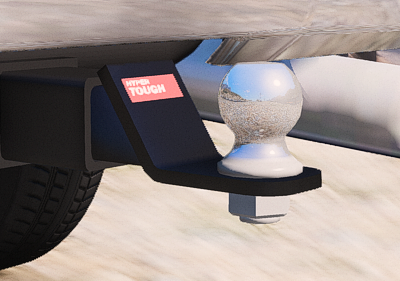 Outstanding work! Thanks for releasing this to us!
 -
 Fucking LOVE IT!!!!!!!!! Thank you brother, this is fantastic!!
 -
-
-
 Not sure to be honest. Just ensure that the ASI loader "dinput8.dll" is in your game folder. You'd know I'd think if you were missing that already though. Here's the HeapAdjuster I have: https://www.gta5-mods.com/tools/heapadjuster Packfile just allows for additional DLC's added: https://www.gta5-mods.com/tools/packfile-limit-adjuster If you have "SirenSetting_Limit_Adjuster.rph.dll" in your PLUGINS folder you can delete that. It's a leftover from pre 2.0 versions and isnt' needed. May cause an issue now? I have no idea. I know it says Rage isn't necessary but here's the only other thing I have in my game folder. https://github.com/alexguirre/RAGENativeUI/releases/tag/1.9.2 If I come up with anything I'll be sure to let you know.
- 334 comments
- 15 reviews
-
It definitely works on the current update as I'm running it currently. The only thing that pops into my mind is if your game is in fact completely updated, make sure your RagenativeUI.dll is updated to version 1.9.2. I'm not sure to be honest, that may have nothing to do with anything. I'm trying to remember what I did other than drop the files in like usual. https://github.com/alexguirre/RAGENativeUI/releases/tag/1.9.2
- 334 comments
- 15 reviews
-
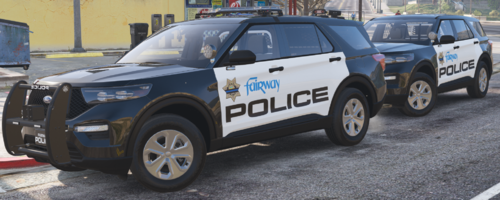 EXCELLENT pack as usual!!! Dude, you never, ever, disappoint! Thank you for releasing this for us all for FREE!!!!!!!!!!!! You're a super PIMP!
- 28 comments
- 2 reviews
-
-
- 1
-
-
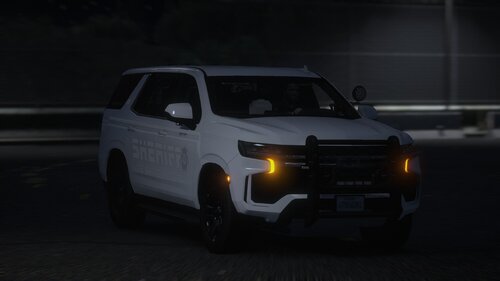 Damn dude, this is a TITS fucking pack! Absolutely love it!!!
 -