



GTA 5 Jedi Master
Members
-
Joined
-
Last visited
Everything posted by GTA 5 Jedi Master
-
 Damn dude! Very, very epic release! Thank you!
 -
 Totally digging the Laptop animation! Cannot say I've seen that before. Wonderful work! Thank you!
 -
 Shit dude, I gotta admit, I dig it! This is not a bad job at all!
 -
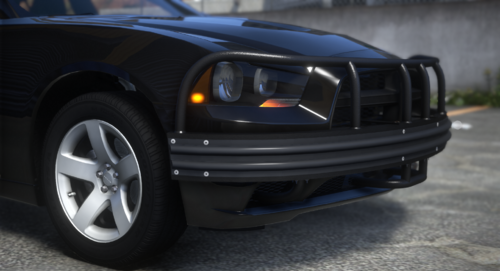 Absolutely Love it! Thank you for gifting this to the free world!
 -
 All the .ini says is: [ClearTheWayV] LastUpdateCheck= CheckForUpdates=false EnableNewTrafficBreakFunctions=True LastINIWriteVersion=1.0.0.47 it's named "ClearTheWayV.ini" located in the plugins folder.
- 528 comments
- 42 reviews
-
 Does it happen with every vehicle? If not, check the vehicles ELS .xml under "PRML", you might have " <OutOfVeh Enabled="true" Pattern="140" /> " enabled.
- 386 comments
- 30 reviews
-
 The newest AdvancedHookV is on the ELS download page. Just hit download for ELS and it'll show you the AdvancedHookV download.
- 2,669 comments
- 234 reviews
-
add " FLAG_USE_INTERIOR_RED_LIGHT " to the vehicles meta under flags.
-
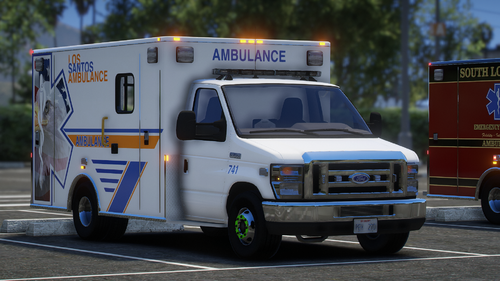 Excellent as usual!
 -
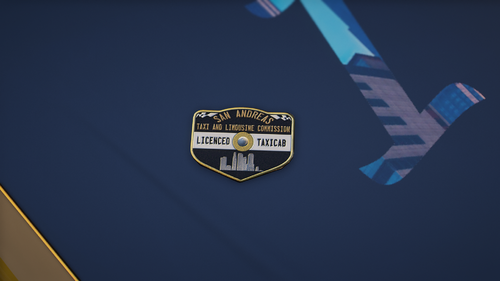 Shit man, that looks great! There's a ton of detail in the model too. Thank you!
 -
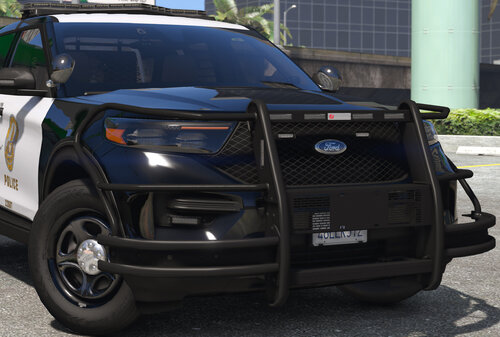 Very, very NICE! Thank you for the release!
 -
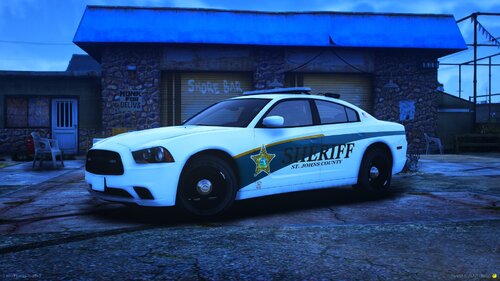 Looks good! Congrats on making your first vehicle! It only gets better too!
 -
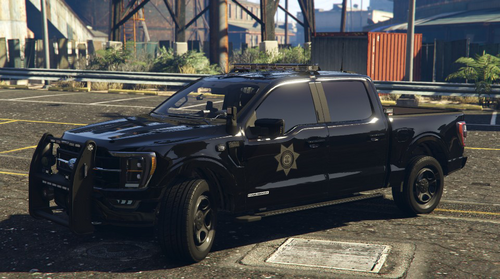 Excellent work as usual!!!!
 -
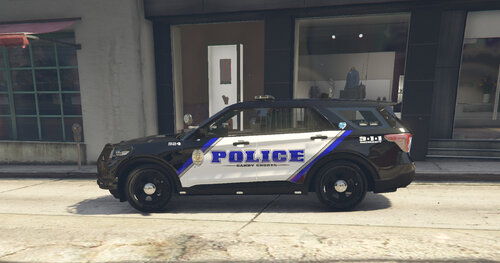 Excellent job!
 -
.thumb.png.286ed0c74591feb6f54032c746ef95cc.png) Freaking love this!!!!
Freaking love this!!!! -
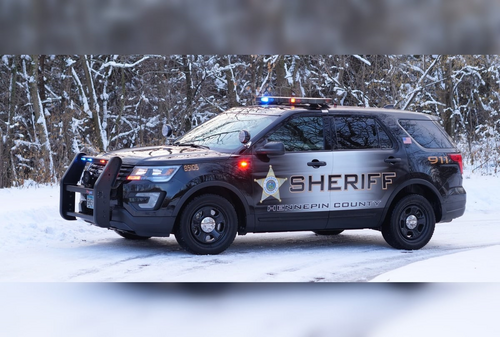 These look great! Excellent work!
 -
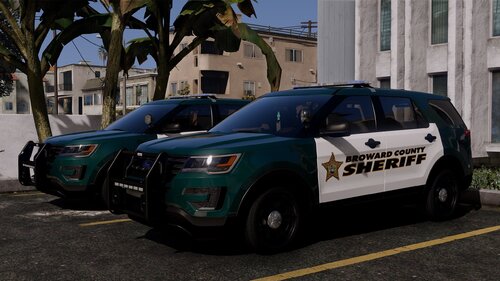 Freaking outstanding as usual!
 -
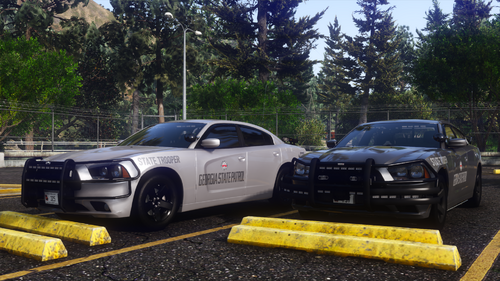 Absolutely gorgeous as usual! Thank you, brother, for releasing this to us! LOVE IT!
 -
-
Not sure what all you've tried so far, but a bad ELS file will cause a crash to desktop with out any crash log. Maybe try taking out just the "pack_default" folder and try it again.
- 2,669 comments
- 234 reviews
-
-

- 1
-
-
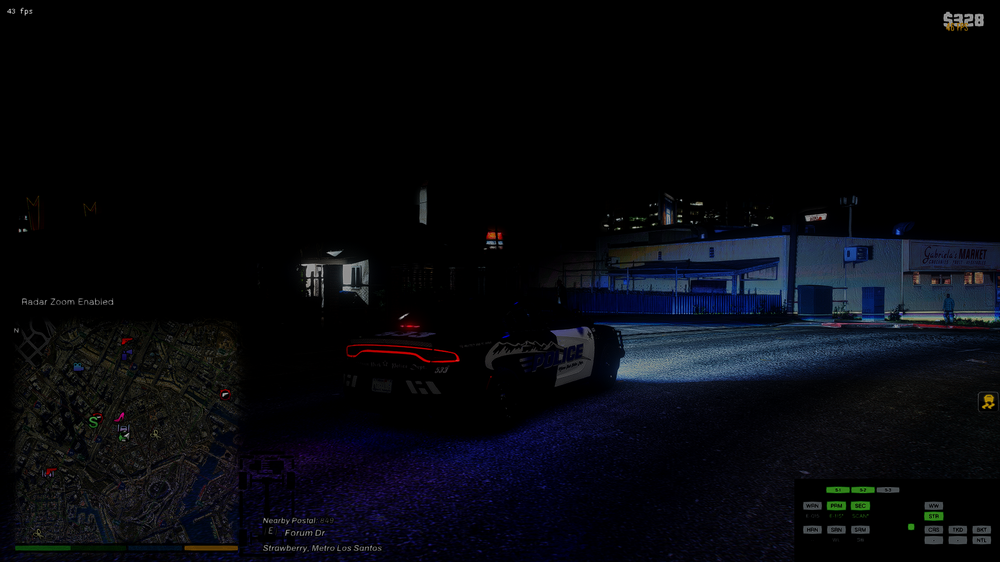
New Mirror Park pack almost finished.
-
.thumb.png.17f63a270b181df7d28c484b44adfd8a.png) WOW! Its odd but yet still beautifully amazing! Definitely digging this one. Excellent job!
WOW! Its odd but yet still beautifully amazing! Definitely digging this one. Excellent job! -
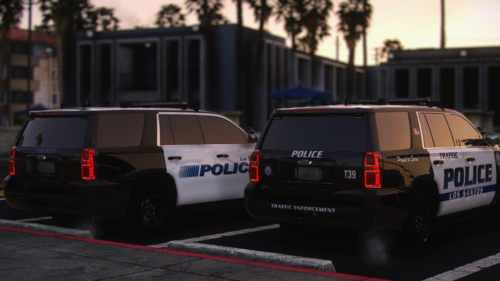 Yes, you can run both ELS and DLS at the same time.
 -
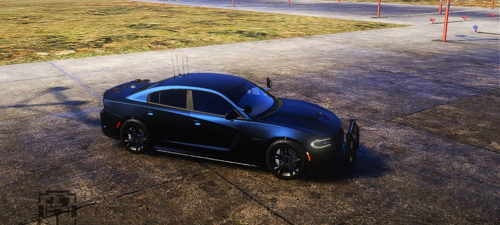 I use MENYOO.
 -
Dude, you didn't upset me one bit! I appreciate you letting me know to check the ELS. Seriously, it's more than all good! We may be talking about something different than what I'm thinking with the patterns. I'm still tinkering with it though. WOW!!!! Your livery is badass! Love it!


.thumb.png.286ed0c74591feb6f54032c746ef95cc.png)

.thumb.png.17f63a270b181df7d28c484b44adfd8a.png)
