


majorpaine2015
Members
-
Joined
-
Last visited
Everything posted by majorpaine2015
-
For the retail version it's in the Rockstar folder and for the steam version it's in steam/steamapps/common folder. I should've been more clear but anyways i have 3 pc's with both versions of the game and they all worked fine on 0.3 but 0.4 caused that same error and i used this same method on all 3 pcs which fixed the issue. Btw make sure your antivirus isn't blocking it....😀
-
READ CAREFULLY.....this is what you do......Go to your gta v folder that's in your Rockstar or steam/steamapps/common foldern. Right click on the folder and click on properties. Now look at the bottom where it says attributes you'll see read only checked. uncheck it and hit apply. Now a box will pop up. Just hit ok and will let it do its thing. After its done just hit ok again and close out the box. Now Ragehook will work.
-
It has to be police and police_hi
-
The hiearchy and export name needs to be the same and add.ydd at the end of the export name.
-
Misc. images collected
-
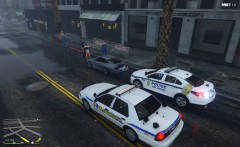 20190304123305_1.jpg
-
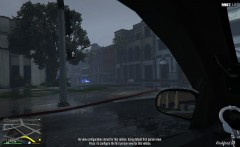 20190304123242_1.jpg
-
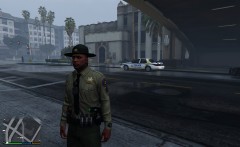 20190304123148_1.jpg
-
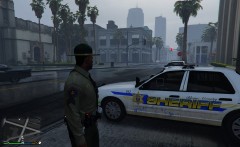 20190304123154_1.jpg
-
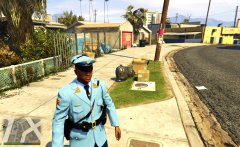 GTA5 2018-12-22 19-55-29-916.jpg
-
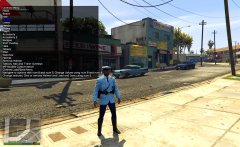 GTA5 2018-12-22 19-55-09-889.jpg
-
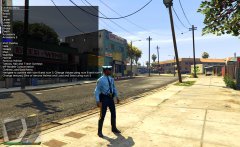 GTA5 2018-12-22 19-54-53-014.jpg
-
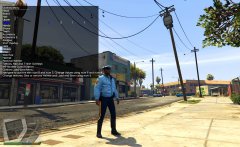 GTA5 2018-12-22 19-54-38-847.jpg
-
 GTA5 2018-12-22 19-54-12-632.jpg
-
 GTA5 2018-12-22 19-53-53-026.jpg
-
 GTA5 2018-12-22 19-53-33-236.jpg
-
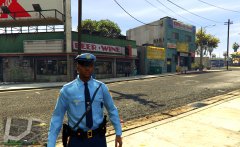 GTA5 2018-12-22 19-52-50-030.jpg
-
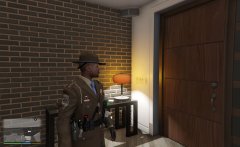 20180813235523_1.jpg
-
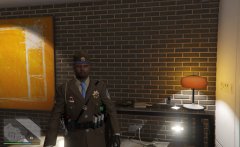 20180813235519_1.jpg
-
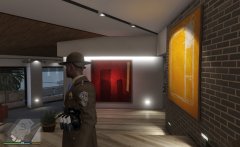 20180813235528_1.jpg
-
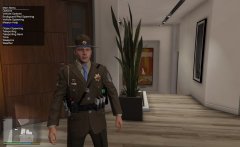 20180813235410_1.jpg
-
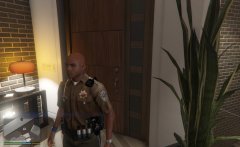 20180812232144_1.jpg
-
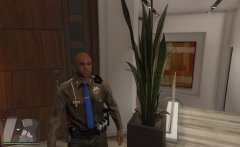 20180812232211_1.jpg
-
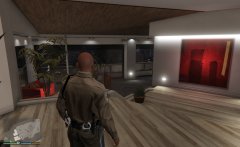 20180812232237_1.jpg
-
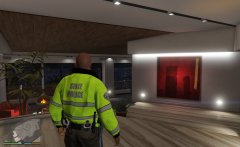 20180812232331_1.jpg
-
-
From the album: Majorpaine2015
Wonder what she's hiding. -
From the album: Majorpaine2015
Hmmmm, wonder what's going on over there. -
From the album: Majorpaine2015
Where's my car? -
From the album: Majorpaine2015
Oh there it is. -
Also if you end the game while still on duty and when you load 0.4 again sometimes your character will be on duty and engaged in a traffic stop like the ai. After the stop then you can take control of your character.
-
I was playing 0.4 about an hour ago and while on the way to a call i saw an ai in a traffic stop. I didn't stop but it was awesome to see.
-
Go to where your gtav folder is located. right click the folder and click on properties. Where it says readonly, uncheck it and hit apply. check apply changes to this folder sub folders and files and click ok and ok again. It should work after that.
-
I can't speak for anyone else but i installed 0.4 on my modded game which still had my vehicles, peds, weapons, els, and redux. The only thing i deleted from my game was 0.3 and i used the 0.4 automatic installer. My game never crashed or received texture loss and my pc isn't a beast at all.
-
It seems that your files are blocked by an antivirus or something. Try going to your game folder's option and uncheck read only and apply. Also try and going to your exe's properties and uncheck run as admin.
-
Run as admin Guys i've found a plugin that worked for me, it Spike Strips V.
-
Basicly you follow what you see and as you do it'll become clear to you.
-
This mod allows law enforcement to patrol in vehicles and on foot. https://www.gta5-mods.com/misc/cops-back-on-the-beat
-



