


majorpaine2015
Members
-
Joined
-
Last visited
Everything posted by majorpaine2015
-
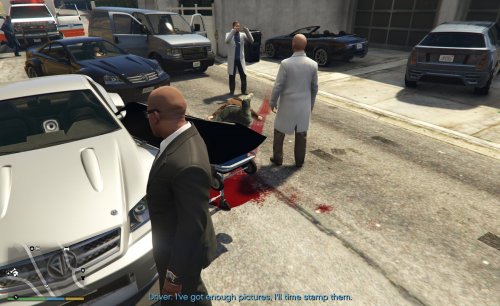 If you don't have x64c.rpf in your mods folder then copy it to your mods folder and from there follow the instructions. The PNG file is an optional texture for those who want the body bags to spawn with blood splatter on it.
- 27 comments
- 22 reviews
-
-

- 1
-
-
-
-
-
-
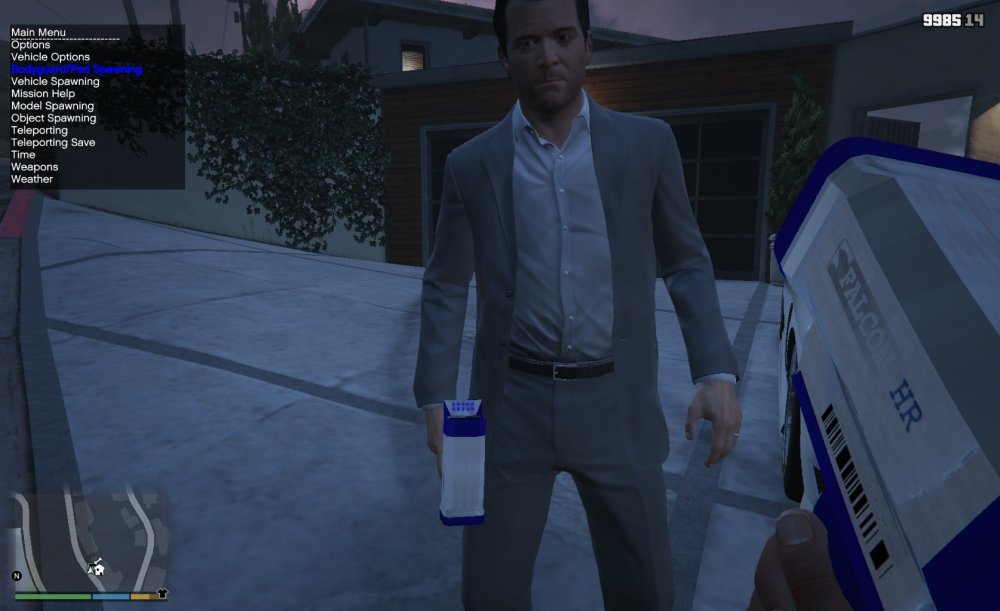
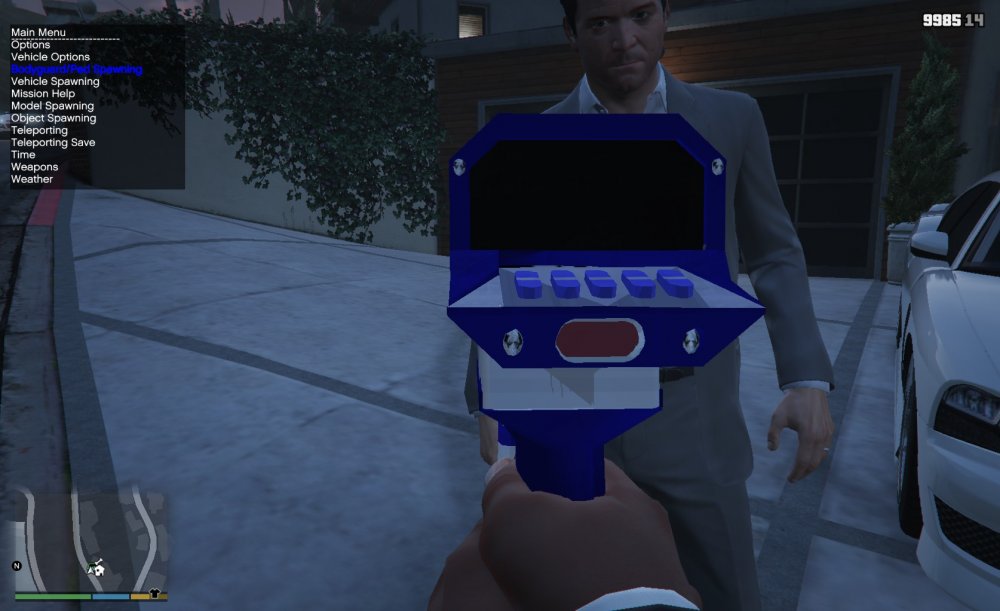
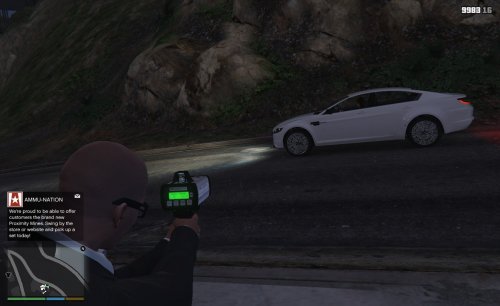 Someone posted a comment on my Falcon HR radar gun asking me to make this and so under careful consideration, here it is. Files go in patchday8ng.
- 13 comments
- 1 review
-
-
- 7
-
-
-
-
-
Those look fine. Check your chassis and make sure your axis is set to world. Make sure your wheel is set to parent
-
What about the cols What about the Cols
-
Can you show only the wheel and cols in zmodeler?
-
To make it easier for you then the hassle of fixing your axis, just save your work, and go to file and click new, Import the dev model again and the just unlink all of wheel and wheel dummies cols and then delete the model and save. Now open back up your project and delete the wheel and wheel dummies you currently have and then merge the wheels that you saved into your project. Wheels fixed.
-
-
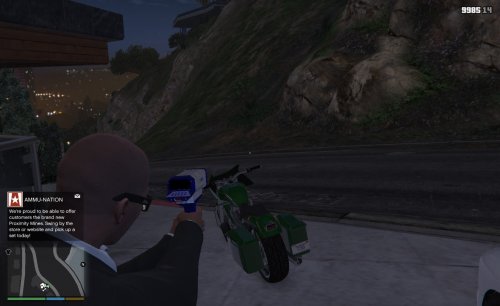 No, just place it in this location. Mods > Update > x64 > dlcpacks > patchday8ng > dlc.rpf > x64 > models > cdimages > weapons.rpf
- 16 comments
- 7 reviews
-
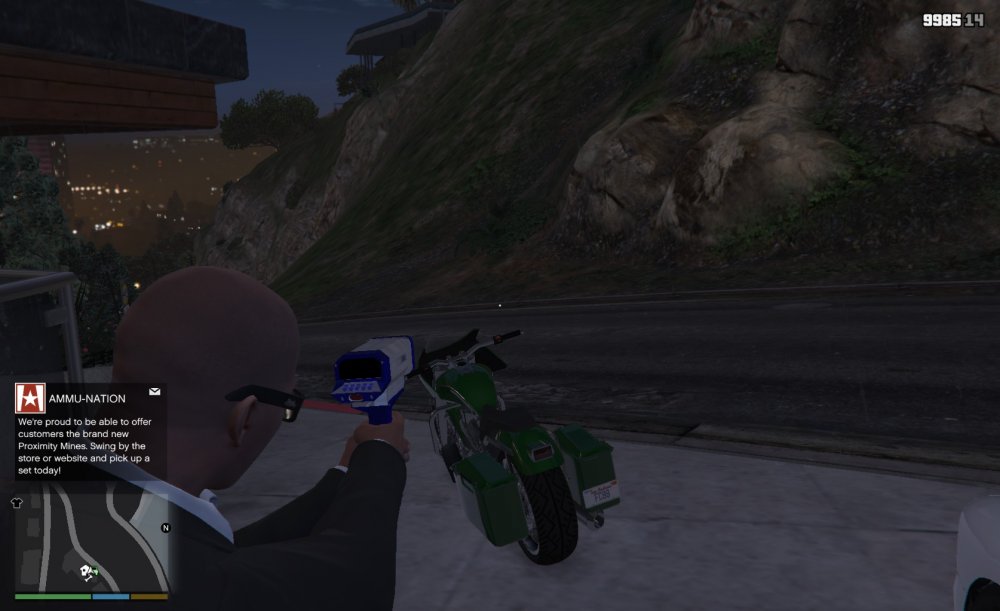
This is a radar i made a couple years ago and decided to just release it because of the requests. You can replace this model with any gun by just renaming the files to the gun you want to exchange with. It can be aimed while sitting in vehicle for that realistic feel. Edit: Place radar files in this location. Mods > Update > x64 > dlcpacks > patchday8ng > dlc.rpf > x64 > models > cdimages > weapons.rpf
- 16 comments
- 7 reviews
-
-
- 8
-
-
I released one already, i accidently uploaded it to gtaiv mods It should be in gta v mods now.
-
Drag and drop all the s_m_y_cop_01 files in the location i gave you. It will override the default model.
-
update/x64/dlcpacks/patchday9ng/dlc.rpf/x64/models/cdimages/patchday9ng.rpf
-
Place them in patchday9ng
-
I have a radar gun that i made a long time ago. Tell me what weapon it replaces and i'll make the necessary changes and send it to you.
-
Go to your user account and under computer click on add new platform if you haven't already done it. Next run the zmodeler program and go license information. you'll see platform id, copy that and go back to your account and put in your platform id. Now you will see the words allow this platform to login and validate license. check the box and put in a password. Now go back to your zmodeler program and under account setup enter you account login and platform password. Click apply and ok and close out of zmodeler. now go back in to zmodeler and under license information hold the shift key. It then should activate.
-
I mean in game...lol
-
Hello all, I'm on to my next ped model project which has to do with more realism in k9 patrol and i need to know from all of you k9 patrolers what dogs are used when you patrol.
-
Did you make sure to go into properties and assign the textures to the correct objects? Which patchday did you place the files?


