





Firstly, thanks for downloading!
This is a London Amublance Service 2019 Volvo V60 FRU. Although not real, this is a depicted version from LAS's fleet of Skodas, Tiguans and more. This is only my second texture that uses battenburg so I'm still learning and working on making it better. Future releases will incluce more LAS vehicles and I may start to work on police forces. For now, please enjoy the V60.
The vehicle used is Obsidian Games' 2019 Volvo V60.
You may edit for personal use, but by no means have the right to redistribute without permission. In the very unlikely event that a clan wishes to use this, please contact me first.
Thanks.
Jeremy - Texture
Obsidian Games - Volvo V60
Obsidian Games - Volvo V60

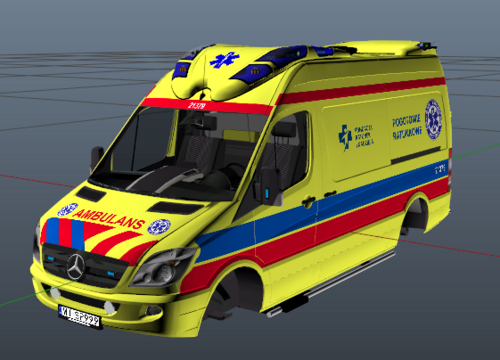








![[ELS][REPLACE] Škoda Kodiaq Romanian Police](http://s3-screenshots.int-cdn.lcpdfrusercontent.com/resize/500/-/monthly_2026_05/1.thumb.jpg.685c059e57b577e13cfa9c0155712f8b.jpg)





Recommended Comments
Create an account or sign in to comment