





.jpg.e3914681b366a9d95f9fe0a6290bc83d.jpg)
.jpg.311f992cc53aec00badf55f1119c2278.jpg)

.jpg.b8b4ea0e189f7ef9220d13feb261d735.jpg)
.jpg.86706a22d946f64fca8516dbb087df44.jpg)
.jpg.8707d63e8fae321c7a9cfbdebb4f3f68.jpg)
2016 Chevy Express Van 3500
Los Santos Police (Windsor Police Themed Van) [ELS and Non ELS]
5 Versions available
Coroner/Prisoner Transport /Undercover Versions/police Traffic/utility
Coroner Van Update in Seperate Download
FiveM ELS Version in Seperate download > this version will only work on fivem and is slightly different
FiveM Version is Coroner/Prisoner Transport Van that is configurable via extra_ten slot.
NON ELS FiveM Version:: https://www.gta5-mods.com/vehicles/chevy-express-van-coroner-prisoner-unmarked


lossely based off the above vehicles.
No Lightbar, 12 Single Module LEDS in Extra 5 and 6 Flash Red and Blue, other version has rear amber TA in rear.
extra_10 - tow hook
read install instructions on use
if you reupload or edit this van please give proper credits===>>
Known Bugs GTA doesn't like this van in a boxville slot won't work. Will work in speedo, corspeedo, policet, and police4 slots.or any other similar speedo slot
In the new update, ytds got mixed up, so ensure before install your version thst you have the right lights and skin you want. For the van version Your using
AI not using lights and sirens was resolved by setting sirensettings to 13 in carvariations.meta.

(replace) install in latest patchday
or mods\update\x64\dlcpacks\patchday8ng\dlc.rpf\x64\levels\gta5\vehicles.rpf
install as an add on use this MOD
https://www.gta5-mods.com/vehicles/more-police-cars-to-add-v1-2#comments_tab
rate this download if you like it.
Original Version is unlocked all updates and improved versions are locked. textures and templates are included, you can link to this download, as needed. please dont reupload these files link to this download

What's New in Version 4.1
Released
- Version 2.2 - fixs rear TA on Coroner and PoliceT Versions, fixes, organizes, please ensure u have the right lights and paint when u install
- fix for PoliceT and Undercover if it didn't spawn
- Added 3.2 Beta Fix for Seat Positions in the Undercover and Prisoner Transport versions ONLY also adds more seating to back total of 6 back seats, 2 in front, test this out and post your comment in comments or in discord.
- 12/2017 Merry Christmas everyone - Coroner vans update with HQ mirrors, new body bag and interior equipment available in separate download, note included xml , if you dont like the patterns use the original speedo van xml. Download Coroner Van V3.
- Included in separate download updated prisoner transport van, if previous version happen to crash on 5M or was not working properly, HQ mirrors, breakable windows, and rear bullet proof windows.
- added fivem version in separate download Coroner/Prisoner Transport
- FiveM Non ELS Version update, no lightbar slicktop
Note: editing your vehicles.meta is always tricky sometimes GTA is ok with it other times it crashes idk why could be anything if you encounter this problem restore your vehicles.meta to original and your game should be fine. id recommend using the van without the edited vehicles.meta, hopefully some can post a fix or a better tutorial on this topic
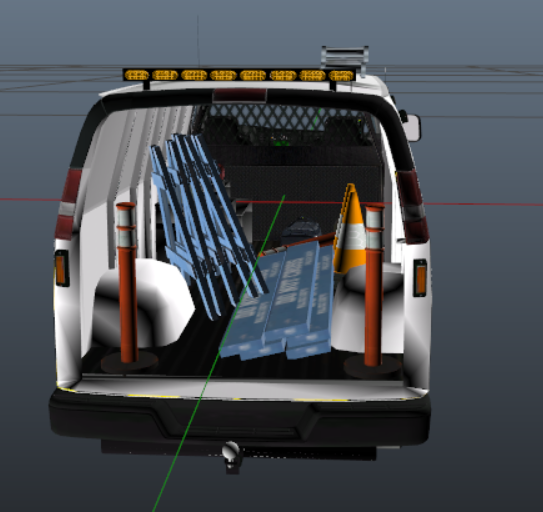
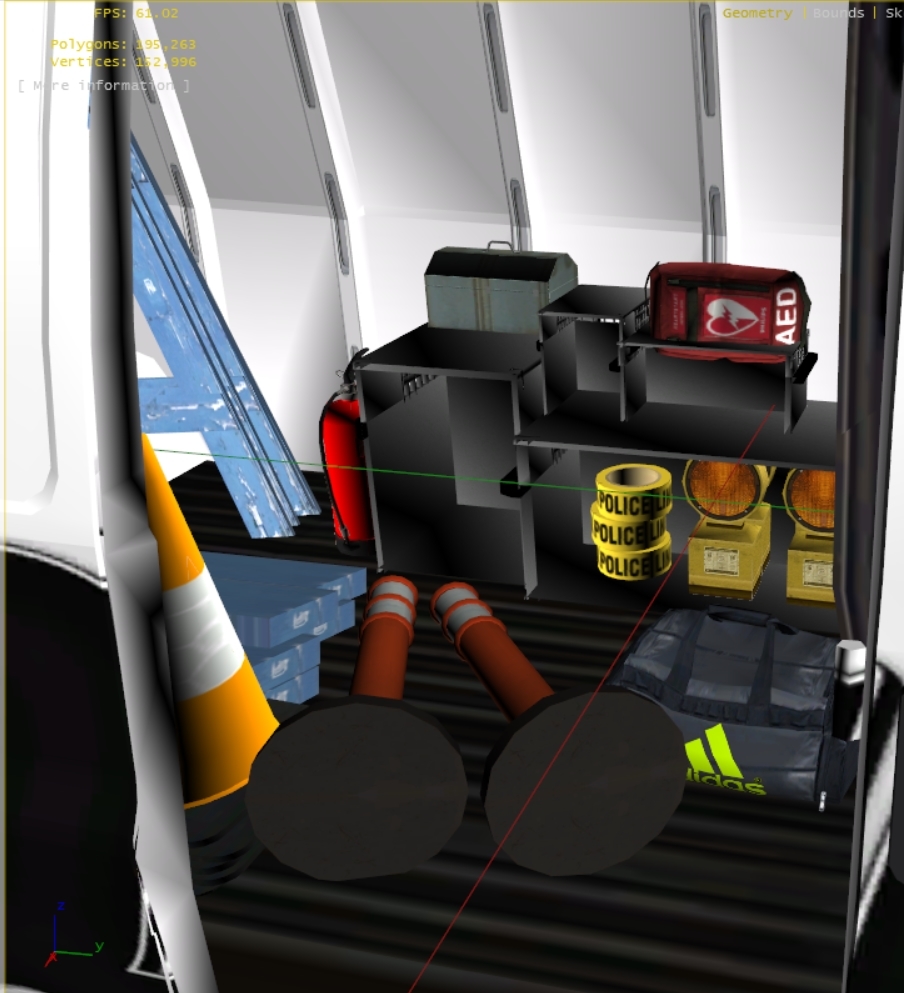
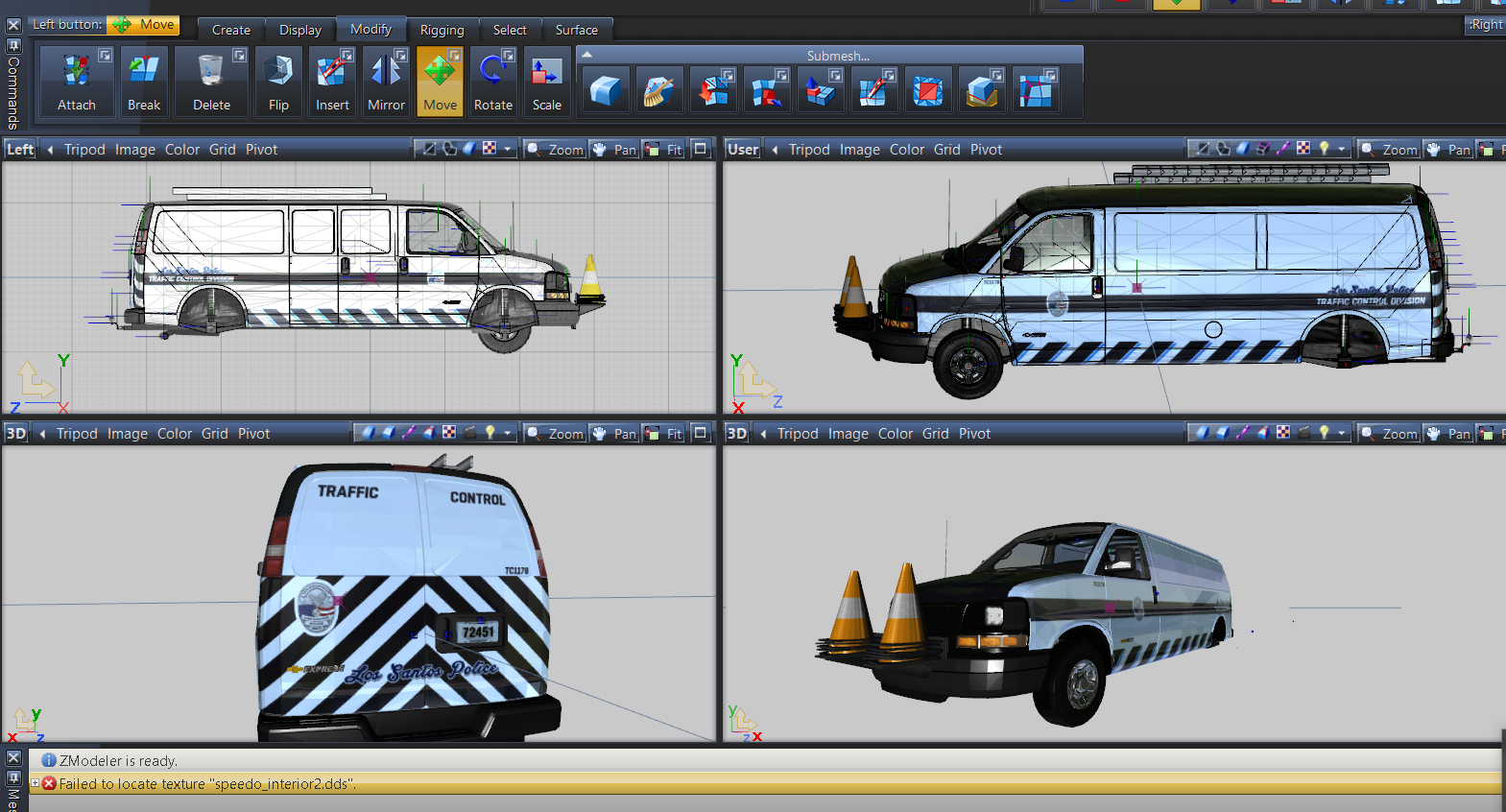
Converted to into a '16 Chevy Express by 0taku
Converted to GTA V by 0taku
Templeted by 0taku
Window edits by TheHurk
Mapped by 0taku
Assorted parts by Otaku, Rockstar game and Cadnav.com
Dail's and [COL] by Rockstar games
LED from Generic Lightpack by Bueno
Medical Bag/AED/Body Bag by Candice morphed edited re-textured
Prisoner cage By OfficerWalters
Whelen TADF8 Traffic Advisor by Twurtleee
Coroner Van -
Stretcher from turbo-squid edited, compounded, and re textured by Candice
(released on dev section of LSPDFR)
Yellow Stretcher from CrystalModifactions is Locked as per his request
cone and traffic barrier cone from R* GTA Default
Bodybag by R*
Traffic Divison Van
Skins by Candice, DvHBadger, and medic452
Interior props by rockstar edited and retextured by candice
German Police Trunk Equipment [DEV | Unlocked] 1.0 by Herman the German
sketchup credits
lifepak15 by cheese
2010 Ford Econoline Type 2 Ambulance Van Built by Malley Industries by Cray Sellick
cool beans and jearbear rescue and various parts
light tower by AEMT
cfd9437 tanker truck and trailer assorted
truck utility body by cool beans
services bodies by cool beans, jearbear, big Red









![[ELS][REPLACE] Škoda Kodiaq Romanian Police](http://s3-screenshots.int-cdn.lcpdfrusercontent.com/resize/500/-/monthly_2026_05/1.thumb.jpg.685c059e57b577e13cfa9c0155712f8b.jpg)







Recommended Comments
Create an account or sign in to comment